
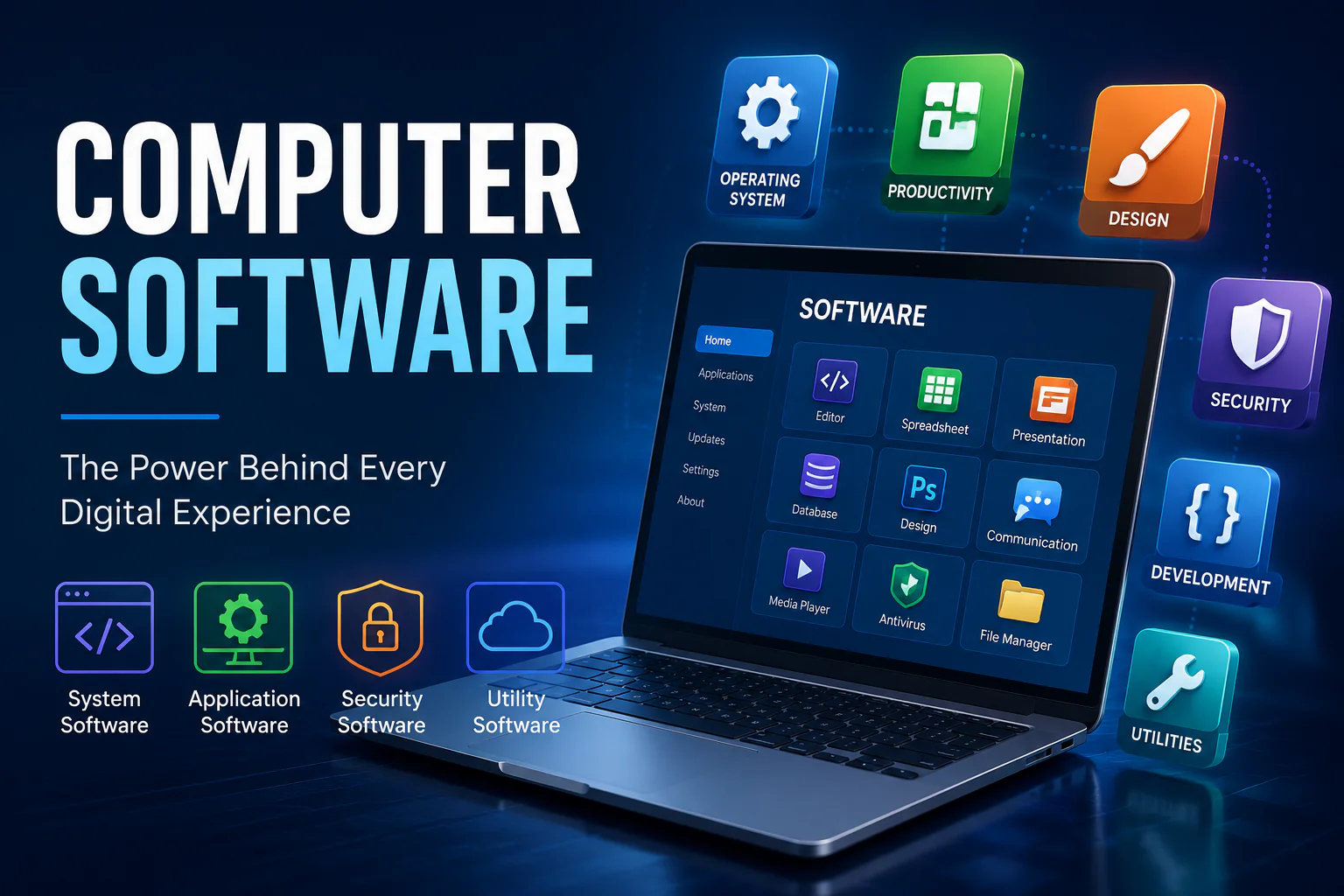
Computer software is one of the most important parts of modern computing. While computer hardware includes the physical components that we can see and touch, such as the processor, keyboard, mouse, monitor, and storage drive, software provides the instructions that tell those components what to do. Without software, even a powerful computer would not be able to perform useful tasks. Software is generally understood as a collection of programs, instructions, procedures, and related data that directs a computer system to perform specific operations.
Today, computer software is used in almost every area of life. People use software to write documents, browse websites, edit photos, watch videos, communicate with others, manage businesses, study online, play games, analyze information, and perform scientific research. As technology continues to develop, software is becoming more powerful, intelligent, and accessible.
What Is Computer Software?
Computer software is a set of instructions that enables a computer to perform tasks. These instructions are created by programmers using programming languages and are eventually executed by the computer’s processor. Unlike hardware, software is intangible, meaning it cannot be physically touched.
For example, when you open a web browser, the software communicates with the operating system and hardware to display websites on your screen. Similarly, when you type a document, word-processing software receives your input, processes it, and stores the information on a storage device.
Software and hardware work together. Hardware provides the physical resources, while software tells those resources how to operate. A computer therefore needs both components to function effectively.
Main Types of Computer Software
Computer software can be broadly divided into two major categories: system software and application software. Programming tools and utilities are also important software categories used for development and system management.
1. System Software
System software is designed to operate and control computer hardware while providing a platform for application software. It works mainly in the background and manages important computer resources.
The most important example of system software is an operating system. Windows, macOS, Linux, and other operating systems provide an environment in which users can interact with their computers and run applications.
System software may include:
- Operating systems
- Device drivers
- Utility programs
- Firmware
- System management tools
- Language translators
The operating system manages resources such as memory, storage, processing tasks, files, and connected devices. It also provides the interface through which users interact with the computer.
2. Application Software
Application software is designed to help users perform specific tasks. Unlike system software, which focuses on operating the computer, application software focuses on what the user wants to accomplish.
Common examples include word processors, spreadsheets, web browsers, image editors, media players, accounting programs, educational applications, and video games.
For example, a student may use a word processor to prepare an assignment, while a business owner may use accounting software to manage financial records.
Application software can be general-purpose or designed for a specific industry or task.
Common Examples of Computer Software
There are thousands of software programs available for computers. Each program is developed for a particular purpose.
Word Processing Software
Word processing software allows users to create, edit, format, save, and print documents. It is widely used in schools, offices, businesses, and homes.
Users can create letters, reports, assignments, resumes, articles, and other documents with these programs.
Spreadsheet Software
Spreadsheet software is designed to organize numerical and textual information in rows and columns. It is commonly used for calculations, budgeting, data analysis, financial management, and record keeping.
Businesses can use spreadsheets to track sales, expenses, inventory, and employee information.
Web Browsers
Web browsers allow users to access websites and online services. They interpret web content and display it on a computer screen.
Browsers have become essential because much of today’s information and communication is delivered through the internet.
Graphics and Design Software
Graphics software helps users create and edit images, illustrations, diagrams, and other visual content. Designers, photographers, marketers, engineers, and content creators often depend on these applications.
Multimedia Software
Multimedia software is used to play, edit, organize, or create audio and video content. It is useful for entertainment, education, advertising, filmmaking, and online content creation.
Security Software
Security software helps protect computers and data from malicious programs and other digital threats. Antivirus and related security tools can scan files, monitor activity, and help identify potentially harmful software.
Operating Systems and Their Importance
An operating system is the foundation of a computer’s software environment. It manages hardware resources and provides services that applications need to function. It also creates an interface between users, applications, and hardware.
When a computer starts, the operating system helps initialize the system and prepares it for use. During normal operation, it manages memory, processes, files, devices, networking, and other resources.
Popular operating-system families include Windows, macOS, Linux, ChromeOS, and operating systems designed for mobile devices.
Choosing an operating system depends on factors such as hardware compatibility, available applications, security requirements, user preferences, and intended use.
Utility Software
Utility software helps users maintain, manage, and optimize computer systems. These programs often perform tasks that support the operating system and hardware.
Examples include:
- Disk management tools
- Backup programs
- File compression utilities
- System monitoring tools
- Security utilities
- Storage cleanup tools
Utility programs can make computer maintenance easier and help users manage system resources more efficiently.
Programming Software
Programming software is used by developers to create other software. Programmers use tools such as code editors, compilers, interpreters, debuggers, and integrated development environments.
A compiler or interpreter helps translate programming instructions into forms that a computer can execute. Debugging tools help developers identify and correct errors in programs.
Programming software is essential because virtually every modern application, website, operating system, and digital service depends on software development.
Open-Source and Proprietary Software
Software can also be classified according to how it is licensed and distributed.
Open-source software generally provides users with access to source code under a license that permits specified forms of use, modification, and redistribution. This model allows developers and communities to collaborate on software projects.
Proprietary software is controlled by its developer or publisher. Users generally receive permission to use the software under specific license terms, while the source code may not be publicly available.
Both models have important roles in the software industry. The best choice depends on the user’s requirements, budget, technical needs, and licensing considerations.
Freeware and Commercial Software
Freeware is software that can generally be used without paying a purchase fee, although its license may still impose restrictions. Some freeware products may include optional paid features or services.
Commercial software is developed and distributed as a business product. It may be sold through one-time purchases, subscriptions, licenses, or other payment models.
Before installing any software, users should understand its licensing terms, system requirements, privacy practices, and source.
Importance of Computer Software
Computer software has transformed the way people work and communicate. In offices, software helps employees create documents, manage information, communicate with customers, and analyze business data.
In education, students and teachers use software for online learning, research, presentations, simulations, and collaboration.
In healthcare, specialized software can support administrative work, information management, scheduling, and other processes.
In entertainment, software powers video games, streaming services, music applications, video editing tools, and digital media platforms.
Software is also essential in engineering, banking, transportation, manufacturing, scientific research, and government services. Modern industries rely on specialized software to automate repetitive tasks and process large amounts of information.
Software and Computer Performance
Software can have a significant effect on how a computer feels and performs. A computer with capable hardware may still appear slow if it is running poorly optimized programs, has too many background processes, or lacks sufficient storage and memory.
Keeping software updated can improve compatibility, fix bugs, and address security issues. However, users should also avoid installing unnecessary programs because excessive software can consume storage and system resources.
It is useful to regularly review installed applications and remove programs that are no longer needed.
Software Security
Security is an important consideration when using computer software. Malicious software, commonly called malware, can be designed to damage systems, steal information, disrupt operations, or gain unauthorized access.
Users should download software from reputable sources and keep operating systems and applications updated. Strong passwords, security tools, regular backups, and cautious browsing habits can also help reduce risks.
Users should be especially careful with unknown email attachments, suspicious downloads, fake update messages, and software that asks for unnecessary permissions.
Cloud-Based Software
Modern software is increasingly available through the internet. Cloud-based applications can allow users to access their files and services from multiple devices.
Instead of storing everything locally, some cloud applications process information or store data on remote servers. This can make collaboration and access more convenient.
Cloud software is widely used for document editing, file storage, communication, project management, accounting, customer management, and many other tasks.
However, users should consider internet availability, account security, privacy, service reliability, and subscription costs when choosing cloud-based software.
Software on Modern Devices
Computer software is no longer limited to traditional desktop computers. Laptops, tablets, smartphones, smart TVs, gaming systems, and other connected devices all depend on software.
The same basic concept applies across these devices: software provides instructions and services that allow hardware to perform useful functions.
For example, a tablet can use software for web browsing, education, communication, entertainment, photography, and productivity. Accessories also rely on software and drivers to communicate correctly with the operating system. If you are interested in computer accessories and pointing devices, you can also read this guide on Zoomie Mouse.
How Computer Software Is Developed
Software development normally begins with identifying a problem or requirement. Developers then plan the solution, design the software, write code, test the program, fix errors, and release the finished product.
Software development does not necessarily end after release. Developers may continue to provide updates, security fixes, performance improvements, and new features.
Modern development teams often use version control, automated testing, development frameworks, cloud services, and collaboration platforms to build and maintain software.
Future of Computer Software
The future of computer software is likely to be shaped by artificial intelligence, automation, cloud computing, advanced cybersecurity, and improved user interfaces.
Artificial intelligence is already being incorporated into many types of applications. Software can increasingly analyze information, automate repetitive tasks, assist with content creation, and provide personalized experiences.
At the same time, cybersecurity will become even more important as computers and connected devices become more deeply integrated into everyday activities.
Future software is expected to become more intelligent, connected, adaptive, and capable of working across different devices and platforms.
Conclusion
Computer software is the essential set of instructions that makes modern computing possible. From operating systems and device drivers to web browsers, office applications, security tools, games, and professional programs, software allows computers to perform a huge range of tasks.
System software manages the computer’s underlying resources, while application software helps users accomplish specific goals. Programming tools allow developers to create new programs, while utility and security software help maintain and protect computer systems.
As technology continues to advance, computer software will remain at the center of digital innovation. Understanding the different types of software, their uses, security considerations, and benefits can help users make better decisions and get more value from their computers and other digital devices.